Things I wish I knew before shipping an MCP server to production
Building an MCP server sounded more challenging than it was. Here's a quick list of lessons learned that might be useful to anyone about to build their first MCP server.
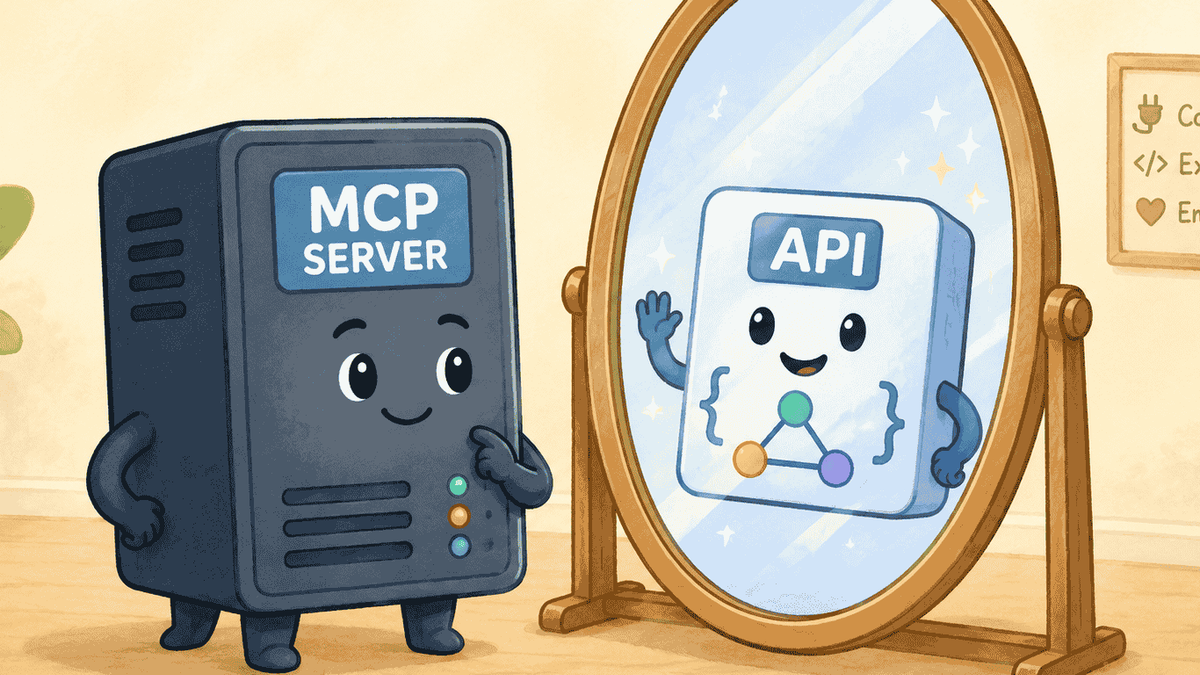
It's mostly just an API
Getting the hello world set up was very similar to setting up a hello world Node.js/Express app. You define tools and resources like you would with REST endpoints or GraphQL fields. Similar concepts in my opinion.
The niceties though are that you get to specify when things are destructive, or not, add comments to add context for the agents to ingest and define structured inputs and outputs.
It's tricky knowing which fields to expose
We exposed a good chunk of our API at Digit, but not everything, since we didn't want to pollute the context window with less popular/important fields. We also use GraphQL for our API, which makes it trivially easy to get deeply nested fields many levels deep, which would consume lots of tokens fast.
What's working out reasonably well so far is to have the MCP in a private beta for our customers that want it, exposing what we know is most useful, and then adjusting things as we get feedback or questions about how to do certain things. Which usually means adding a few more fields that weren't exposed before. It's not perfect, but we're confident that it beats just exposing everything upfront. Too much is just as bad, arguably much worse, than too little in our opinion.
You can't predict what people will use it for
We don't have any way of tracking what people use it for exactly since we only have an MCP server and aren't hosting our own agentic harness. That's the next step in our journey though, coming soon!
But since we launched in a private beta and have close relationships with our users, and most are still blown away at how powerful AI agents can be once they have access to some of your data and APIs that are valuable to you; they can't wait to share all of the cool things they've built.
Custom reports that they wanted on the fly, bulk data import tools that call our create* mutations in a loop, custom dashboards and data visualizations and much more.
Seeing what people use it for is also extremely useful in steering our product roadmap. And where we should invest more effort in our application layer. For example, an easy thing to figure out and ship within several days was a new tool to bulk import objects in faster and more robust way than having the agent call a single creation mutation in a loop. Easy win for everyone.
Development tools
MCP Inspector
This is kind of like Postman for API testing. Very useful in calling your tools and resources without using an agent. Fastest way to quickly test things.
Cloudflare tunnels
This allows you to semi-securely share your local MCP server with your agent of choice, like Claude. You just add a custom connector using the generated Cloudflare URL that points to your local dev server and it will run against it. This is very helpful seeing how an actual agent will use it and figure things out.
It's one level deeper than the MCP inspector. My flow has been to build or update a new tool or resource, test it quickly with the MCP inspector to see that it works, and then test it with an agent to see that it is actually useful when connected to an agent.
Happy coding! SL