Cleaning out my terminal closet
Getting a new laptop and setting it up from scratch made it easier to delete probably 80% of my installed apps and scripts, etc.
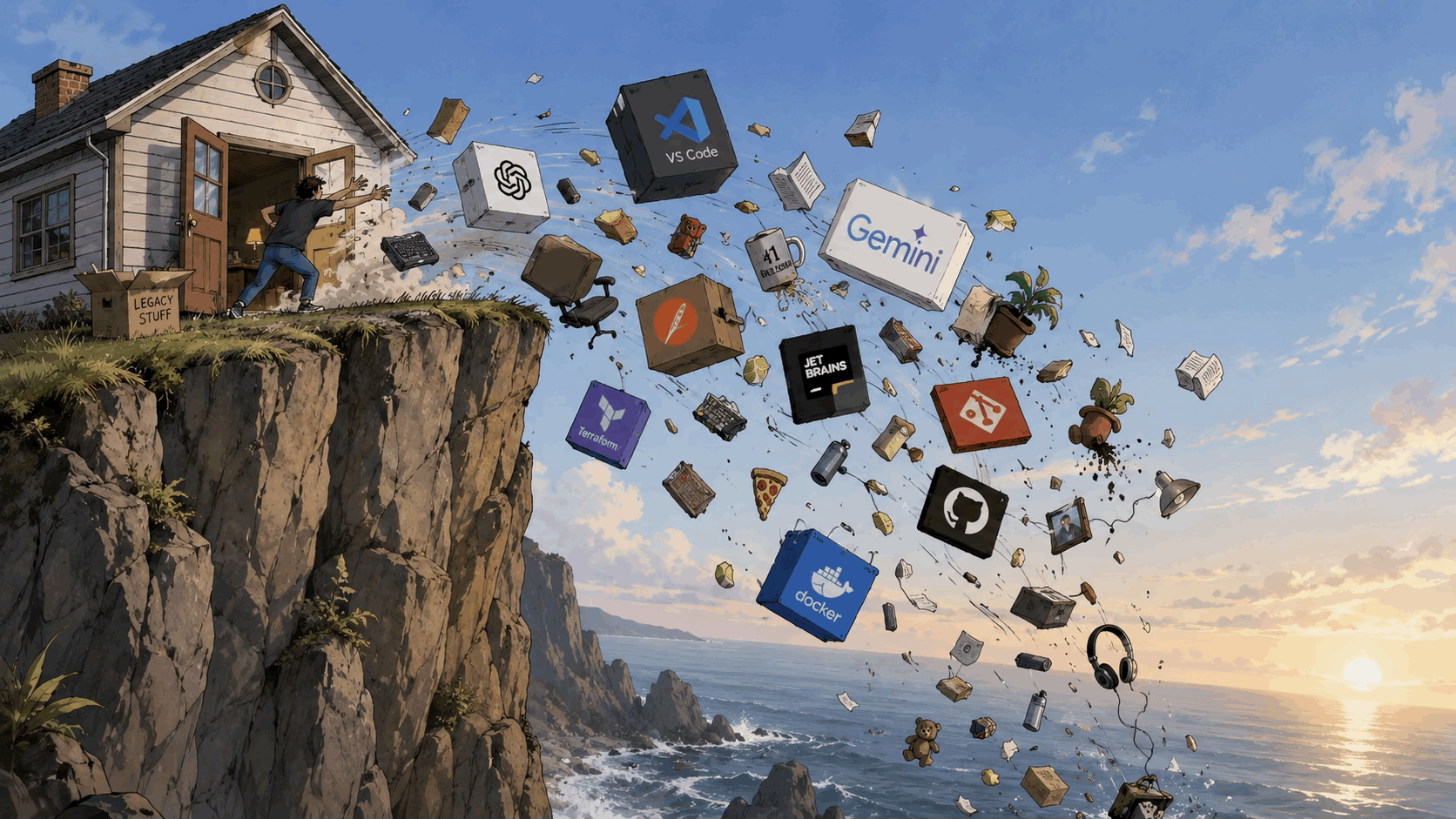
The problem
I find that when I install some hip new package on Hacker News, or finally give myself some time to try out a package or tool that a friend has mentioned, they don't always "stick." Whether it's because I'm an old dog that can't learn new tricks when it comes to my workflow - which is unlikely given how AI has completely changed how I do my job - or I just forget, they accumulate as junk over time.
The same 'ol story
Sure, I'll go through my Homebrew packages, LazyVim plugins, and Mac applications every so often and clean them out. But it's a different beast entirely when you have a clean slate and install things only as you need them.
Usually when I'd get a new laptop, I'd do a similar thing where I set things up based on my existing configuration. I'd look through what I liked and know that I don't use and copy over things over that I "know" I'll use. Usually with a dotfiles approach. Cleaning them as I go... I'd tell myself.
The aha moment
This time I didn't refer to anything from my old laptop. If I couldn't remember how to do something specific, I'd ask AI about "the modern way to do X." If I needed to clone a repo, I'd try the commands from muscle memory. And when they failed, I'd only do what's necessary to fix that specific command. Almost like test-driven development (TDD) for configuring my system.
So far I'm probably 95%+ able to do everything I could on my previous computer, but haven't installed or done nearly as much. No copy/paste from blog posts like "Top 10 things you should have in your git config...". No things that "I'll probably use at some point...".
I only say that I'm at 95%+ of the functionality I had before, since I'm sure I'll run into some obscure things as I battle test the new laptop more. But my day to day is already back to normal and it feels like I'm free from the shackles of all of the bloat I had before. Dramatic I know. But it's nice to have a tiny ~/.zshrc and ~/.tmux.conf that I can read in 10 seconds and know that any problems I'm having aren't from some unusual plugin or configuration that I copied over since it sounded cool.
Conclusion
I remember when I would move to another apartment once every 1-2 years it was the same feeling of freedom to be ruthless and donate or throw out all of the things I thought I loved, but didn't want to pay to ship or carry down a huge flight of stairs and back up. I didn't love those things that much. The things I did keep really had to have sentimental meaning or be extremely useful.
I think long-term I'll do the same for my laptop. I'll save my obviously important files like tax returns and things I can't recreate like photos and music, etc. to a drive. And then factory reset the rest and start over from scratch.
Bonus: what I've changed recently
Here's a small list off the top of my head of some of the things I've removed or changed. There's plenty more, but this'll give a conceptual idea of how the ideas mentioned above turned out in practice.
Simpler and/or faster performance
- Docker → Orbstack for a slightly smaller footprint. So far feels the same, though I'm mostly just composing up or down and not pushing it too hard.
- Oh My Zsh -> Antidote/Starship. So far feels faster and I like the simplicity. Feels a little less magical to me than Oh My Zsh. And I'm not as deep into going through all of the Zsh plugins like I used to.
- NVM (Node Version Manager) -> FNM (Fast Node Manager). Wayyyyyy faster than NVM.
- PGAdmin -> LazyVim's SQL plugin - uses Dadbod under the hood
Haven't re-installed yet
- Redis Insight. I'm not debugging Redis every day to need this ready to go. I'm sure I'll use it at some point though and is a great piece of software.
- Rectangle window manager. Mac's built in shortcuts work great for me
- AI tools: OpenCode, Google Gemini CLI, Codex CLI, GitHub Copilot CLI, OpenSpec, ChatGPT desktop app, Claude desktop app. I'm getting all I need from the pi coding agent with my Codex login, and Claude Code as a backup. Also just using the browser for things I would have done in the desktop apps for now.
What I've kept
- Maccy clipboard manager
- Tmux and Tmuxinator for managing terminal sessions
- Ghostty terminal for a full-featured terminal that's fast and pretty
- FiraCode Mono Nerd Font and Dracula theme everywhere for consistency
- LazyVim IDE
- Lazygit git TUI
- Delta git diff viewer plugin
- Github CLI for managing everything on GitHub
- AI tools: pi coding agent, Claude Code, Context Mode plugin for agentic coding
- 1Password desktop for Touch ID, and the browser extension
- Vimari/Vimium for vim navigation in the browser
- Brave browser
- Wispr Flow